The experience in motion
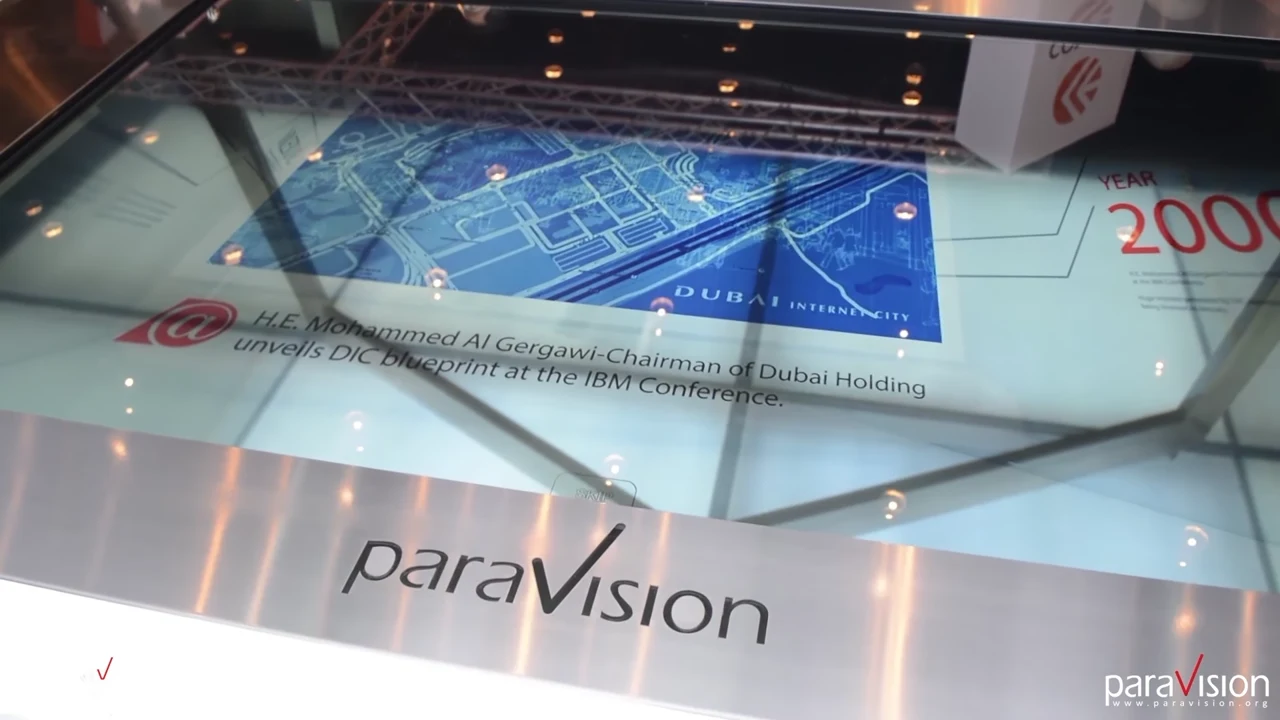
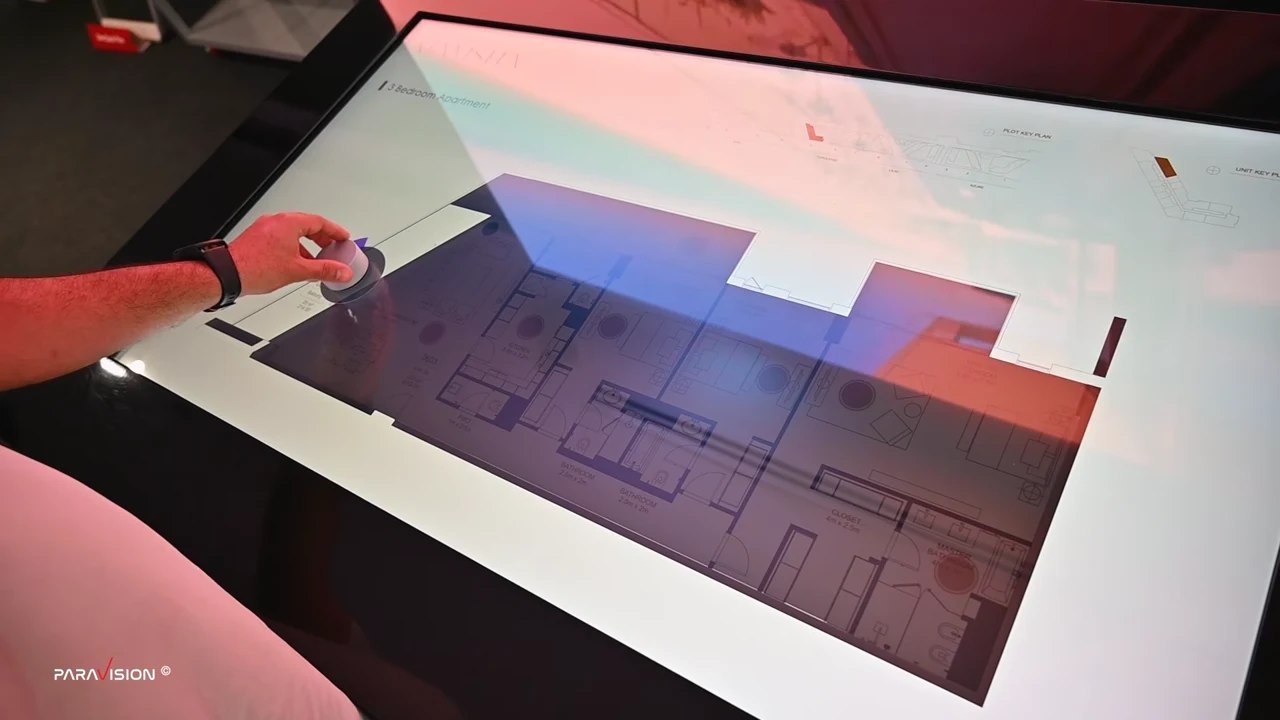
Large-scale multi-touch tables
Explore Large-scale multi-touch tables in motion.
Open full film ↗
From intelligence and immersive spaces to the software and content behind them.
Explore solutions ↗Explore the people, applications and AI opportunities that shape your experience.
Explore industries ↗Custom hardware, applications and content connect education, market intelligence, corporate advisors and embodied AI.
Explore ai ↗Digital twins, BIM, AR/XR and the full 360° collection connect spatial information to meaningful decisions.
Explore digital twins ↗Large interactive tables make maps, collections, masterplans and product information accessible to several participants in one collaborative environment.
Discuss this solution ↗Explore Large-scale multi-touch tables in motion.
Open full film ↗Organize content for simultaneous discovery, guided presentation and clear navigation.
Coordinate screen size, ergonomics, compute, touch technology and installation requirements.
Connect maps, 3D assets, approved data and operator controls through a purpose-built application.
8K display options, independent interaction zones and AR/VR connections can be specified according to the selected hardware and project architecture.
Collaborative exploration gives teams a shared context and sales specialists a clearer way to explain complex choices.
Define success before production: task completion, visitor understanding, interaction quality, content updates and operational reliability.
Connect approved information to a sector-specific advisor, contextual product guidance or a presenter workspace. AI can help visitors ask better questions and help teams retrieve useful evidence.
Paravision develops the application and content layer, integrates the selected equipment and establishes access rules and a practical handover. The architecture follows your sources, audience and operating requirements.
Paravision designs multi-touch table experiences as an integrated combination of display, touch sensing, custom enclosure, application development and content creation. A table can help several people explore a property masterplan, compare products, navigate a museum collection or review a 3D model. The application and the physical installation are designed together.
Share the location, intended use, table dimensions, user languages and available media with Paravision. The project scope establishes hardware, software, content production, commissioning and support responsibilities. For France, define the French-language interface and editorial content alongside the technical brief.
Regional project planning ↗ · How multi-touch technology works ↗ · Explore the Meraas sales center ↗
A locally installed application can use locally stored media and models. Live availability data, remote content updates or cloud AI require the agreed network connection. Offline behavior must be specified and tested for the chosen application.
Screen size, touch sensing, enclosure, computing hardware, content volume, 3D complexity and integrations all affect the scope. Send a project brief for a quotation; a standard screen price does not describe a complete interactive installation.