The experience in motion
Transparent interactive integrated solutions
Explore Transparent interactive integrated solutions in motion.
Open full film ↗
From intelligence and immersive spaces to the software and content behind them.
Explore solutions ↗Explore the people, applications and AI opportunities that shape your experience.
Explore industries ↗Custom hardware, applications and content connect education, market intelligence, corporate advisors and embodied AI.
Explore ai ↗Digital twins, BIM, AR/XR and the full 360° collection connect spatial information to meaningful decisions.
Explore digital twins ↗Connect physical spaces to digital information through multi-touch surfaces, transparent displays, object recognition and responsive applications.
Discuss your project ↗Explore Transparent interactive integrated solutions in motion.
Open full film ↗Explore Large-scale multi-touch tables in motion.
Open full film ↗Explore Object recognition experiences in motion.
Open full film ↗Explore Customized digital cube stand in motion.
Open full film ↗Explore Customized digital globe in motion.
Open full film ↗Explore Smart large hologram integrated solution in motion.
Open full film ↗Explore Transparent screens in motion.
Open full film ↗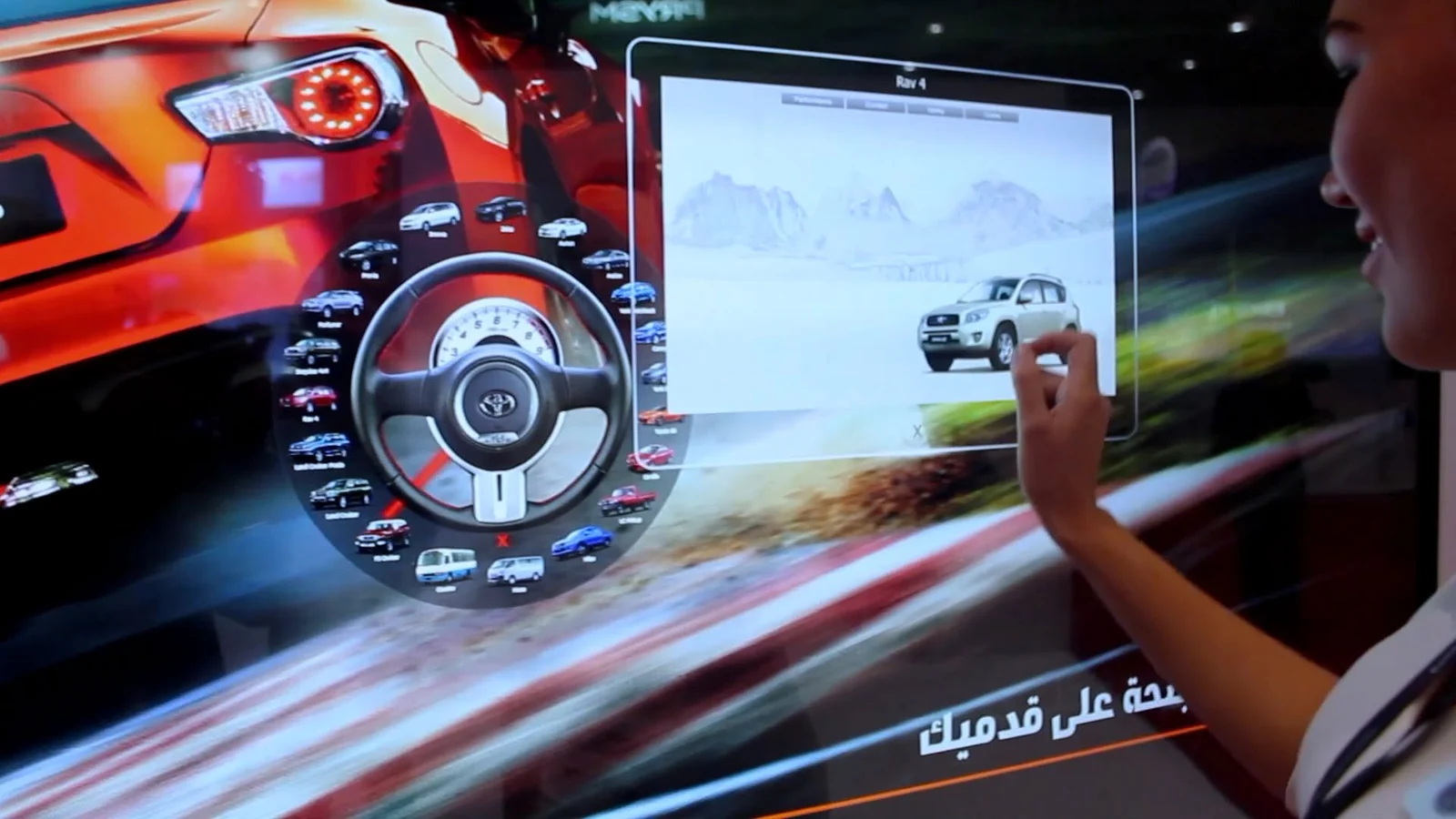
Build shared exploration surfaces for multiple users, presentations, product comparison and collaborative discovery.
Layer digital information over physical products with transparent screens, interactive kiosks and touch-enabled installations.
Connect a physical object placed on a surface with relevant digital content and contextual interaction.
Shape product showcases and exhibitions around interactive 3D content and holographic display formats.
Select interaction methods around the installation, accessibility needs and audience behavior.
Link tablets, kiosks, large displays and content systems to support an uninterrupted user journey.
Paravision develops the interface, navigation and content structure around your use case rather than treating the display as an isolated product.
Multi-user interaction is part of the published multi-touch offering. Screen layout, supported touch points and hardware are chosen for the intended number of concurrent users.
Viewing distance, ambient light, installation constraints, interaction, content resolution and maintenance requirements all inform the system design.